


Invoicing that's fast, accurate, and stress-free.
Get paid on time, every time. Penquee makes it simple to create, send, and track professional invoices — without the back-and-forth or spreadsheet chaos.
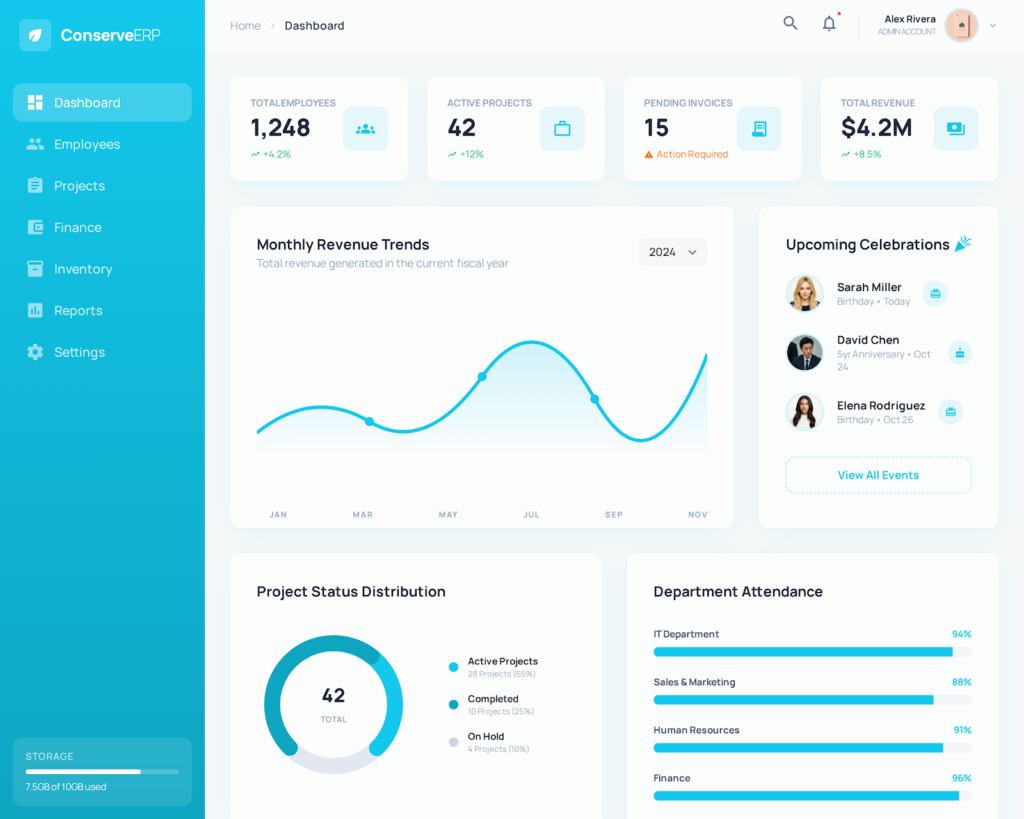
Invoicing
Send invoices and get paid faster.
Easily create, send, and track invoices in just minutes.
Build professional, branded invoices in seconds and send them straight to your clients. It’s effortless to get started — simply add your business details once, and let Penquee auto-generate accurate invoices every time.
Reduce payment delays
Get a clear view of every invoice’s status — sent, viewed, paid, or overdue — so nothing slips through the cracks. Automated reminders follow up with clients on your behalf, cutting down the time you spend chasing payments.
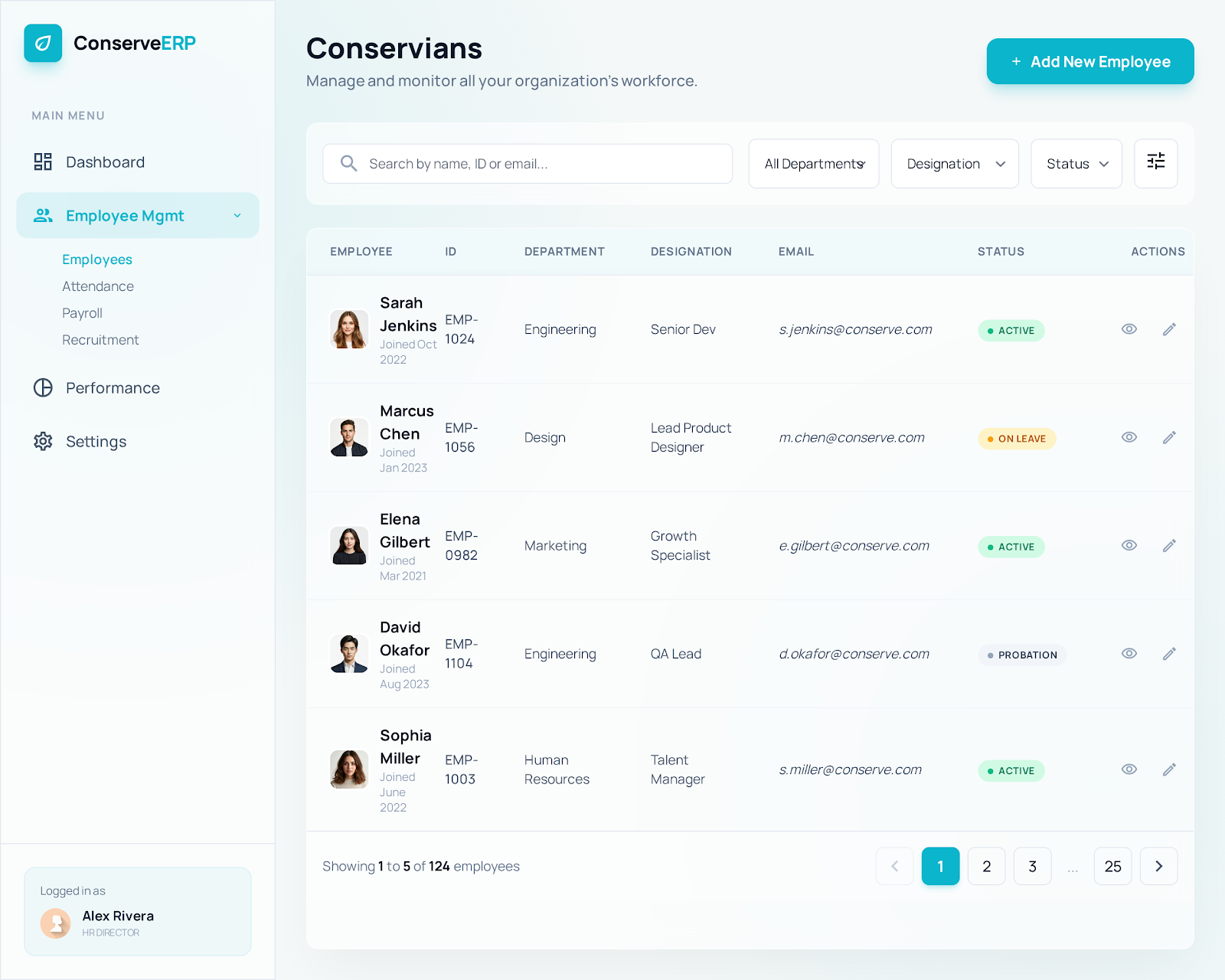
“Switching to Penquee was incredibly easy. We just picked a date, and there wasn’t much onboarding required. Everything was straightforward.”
The small business platform
Get paid faster, no matter where your clients are.
Behind every successful business is smooth cash flow. Create, send, and track invoices — and get paid on time — with Penquee’s intuitive all-in-one platform.


Get paid faster, every time
Support Your Cash Flow With Smarter Invoicing
- ✓ Custom invoice templates
- ✓ Automated payment reminders
- ✓ Recurring & scheduled invoices
- ✓ Multi-currency & tax support
Frequently asked questions
Yes. Penquee makes it easy to create, send, and track invoices in one place. Invoicing features include:
- Custom, branded invoice templates
- Automated payment reminders for overdue invoices
- Recurring invoice scheduling for repeat clients
- Real-time payment status tracking and reports
Invoicing is available directly inside your Penquee dashboard. Simply go to the Invoice module, add your business details and branding once, and you’re ready to create and send your first invoice in minutes — no separate setup or software required.
Penquee invoicing is included as part of your Penquee plan. Pricing scales with your team size and the modules you use, so you only pay for what your business needs. Visit our Pricing page for exact plan details.
Payment processing fees depend on the payment method your client uses (card, bank transfer, etc.). Exact rates are listed in your account billing settings and on our Pricing page.
Yes. You can set any invoice to repeat on a schedule — weekly, monthly, or custom intervals — so recurring clients are billed automatically without you having to recreate the invoice each time.